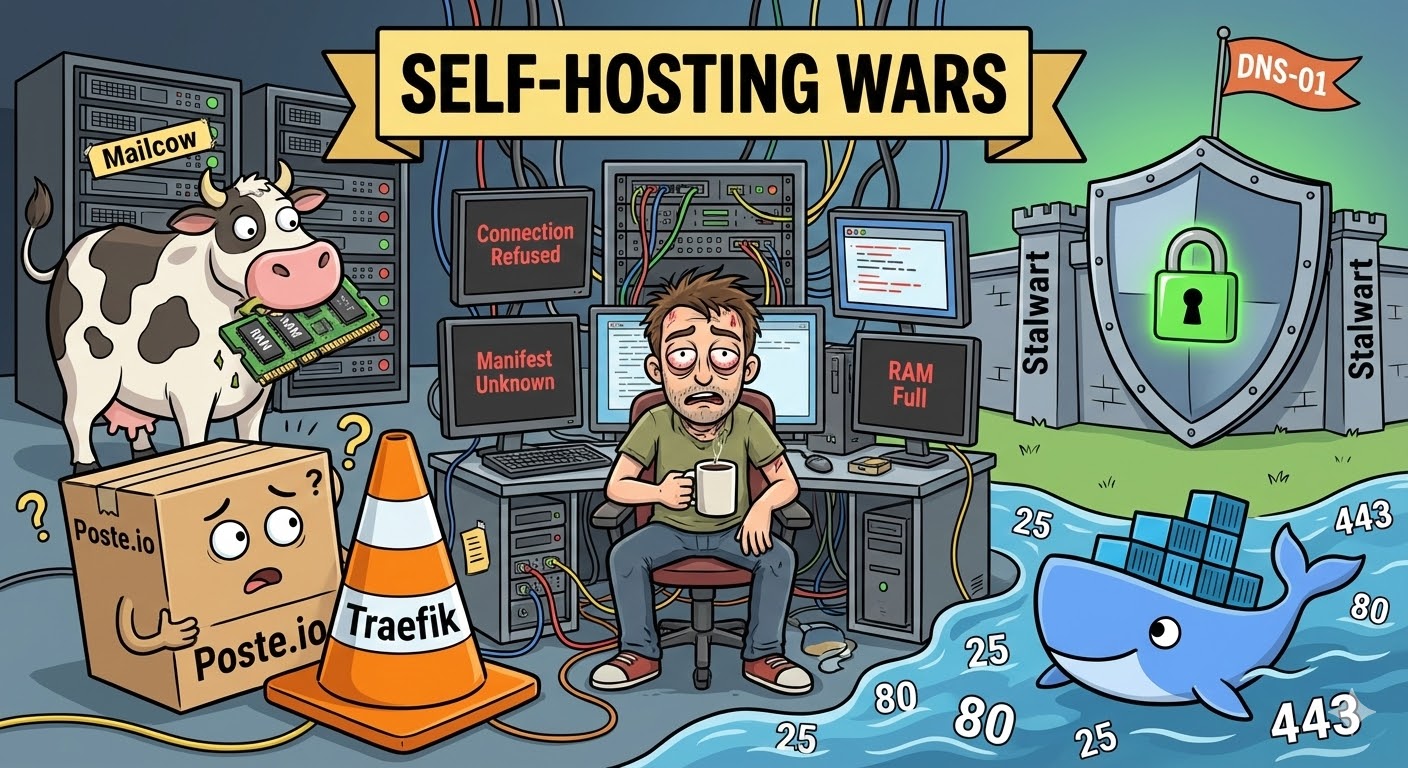
Hosting My Own Email Server: A Digital Masochist's Diary (Poste, Mailcow, and Stalwart)
It all started with an innocent thought: "Why pay monthly subscription fees to tech giants? It's just an SMTP/IMAP server. I'll spin it up with Docker in two minutes, and sip my coffee while sending a 10/10 test email."
If you have Coolify, Traefik, and existing web traffic running on your server, that sentence usually ends with you reading logs at 4 AM with bloodshot eyes. Setting up your own email server isn't just an "app deployment"; it's a full-blown war of DNS, ports, and infrastructure.
Here is the technical and traumatic story of how I flirted with Poste.io, exchanged glances with Mailcow, and finally ended up sweating through a marriage with Stalwart.
🥊 Act 1: Poste.io and the Impassable "Proxy" Wall
My first stop was Poste.io, boasting about its lightweight nature. "Just pull the image and start," they said. The container spun up, but I forgot about a massive enemy: Traefik (Reverse Proxy).
Traefik, which manages the other sites on my server, had already claimed Ports 80 and 443 at the network's gateway. When Poste.io's internal Let's Encrypt bot tried to get an automatic SSL certificate via the HTTP-01 challenge (over Port 80), Traefik slammed the door in its face.
At the end of the day, I was left with endless Connection refused logs. It was possible to bend Traefik's rules for Poste, but that meant turning my network infrastructure into spaghetti code.
Big Lesson 1: If a Reverse Proxy is running on your server, expecting your mail server to get a certificate via the HTTP-01 method is pure optimism.
🐄 Act 2: Mailcow and the "RAM Gluttony"
Giving up on Poste, I moved to the big leagues: Mailcow. Mailcow is truly the Swiss Army knife of the email world; the moment you run docker-compose up -d, over 20 containers spring to life. But that's exactly the problem: It literally has everything.
I already had web projects running on my server. While booting up, Mailcow held a significant portion of my RAM hostage with ClamAV (Antivirus), Solr (Search engine), and a bunch of side services. For someone who just wanted to receive emails from a portfolio contact form, putting this much load on a modest VDS felt like using a bazooka to swat a fly. Looking for a lightweight solution, I felt like I was managing a corporate IT department, so I pulled the plug.
📊 Technical Comparison (The Bitter Truth)
Let's put emotions aside and technically compare these three systems:
| Feature | Poste.io | Mailcow | Stalwart (v0.15.x) |
|---|---|---|---|
| Architecture | Monolithic (C/Python) | Multi-Container (Docker Network) | Modern Rust (Fast & Secure) |
| Resource Usage | Low | Very High (with ClamAV/Solr) | Highly Optimized |
| Cert Validation | HTTP-01 (Prone to conflicts) | Internal ACME Engine | DNS-01 API Support & Manual |
| Traefik Harmony | Poor (Heavy manual tweaking) | Moderate (Complex docs) | Excellent (Ports are isolated) |
🏗️ Act 3: Stalwart, the Ban Irony, and Engineering Victory
Finally, I switched to Stalwart, drawn by its modern architecture and the fact that it's written entirely in Rust. The setup was surprisingly fast, and it didn't fight with Traefik over ports (quietly exposing 465 and 993). But in the "Self-Hosting" world, no victory comes easy.
The Irony: Banned by My Own Server
While setting up my mail client (Thunderbird), I entered the wrong password a few times in a row. That "fast and secure" modern Rust architecture immediately kicked in, and Stalwart's Brute-Force protection ruthlessly banned my own IP address! Seeing the INFO Banned due to authentication errors log, I simultaneously felt a strange pride and intense frustration at being kicked out by the monster I created.
The Crisis: Certificate Deadlock
We got the system running, but the logs kept throwing a WARN No TLS certificates available warning. My DNS-01 attempt with the GoDaddy API hit provider restrictions. HTTP-01 was crashing into the Traefik wall again.
That was the moment automation ended, and engineering began.
Coolify had already fetched that official certificate (Let's Encrypt) for the web panel. I SSH'd into Coolify's brain, the acme.json file. I decoded those massive Base64-encrypted certificate and private key blocks in the terminal using:
❯MODE: BASH[UTF-8|RO]echo "MASSIVE_JSON_CODE" | base64 -d
I manually pasted the resulting pure PEM format certificates into Stalwart's panel. And boom! Those yellow warnings in the logs were replaced by pristine green INFO messages.
🏁 Final Words and the Big Picture
If you are going to set up your own email server, you must accept that it's not just "app hosting." This epic process taught me:
- The Sovereignty of Ports: Ports 25, 80, and 443 are the most valuable real estate on a server; you absolutely must know who (which proxy) controls them.
- DNS is an Art: Sending an email is only 20% of the job. The remaining 80% is the flawless dance of SPF, DKIM, DMARC, and rDNS (Reverse DNS) records so your email doesn't land in spam.
- Rust is the Future: Modern alternatives like Stalwart, which maximize security while minimizing resource consumption, are replacing old, clunky structures.
Did I save myself from paying cloud providers every month? Yes. Was it worth the stressful hours? The moment I saw that green 10/10 score on mail-tester.com, I knew it was worth everything. My real reward is that I now understand, down to my core, the massive engineering behind that simple "Send" button on a website.